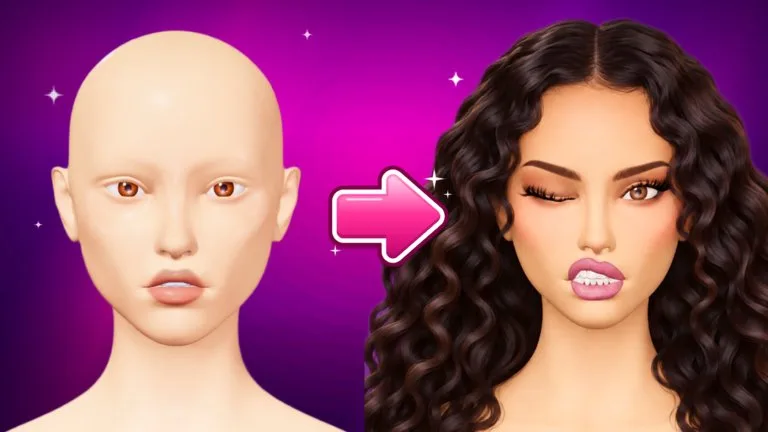
The SCULPT tab reshapes the face itself: eyes, nose, lips, cheeks, and jaw. Makeup stays where you painted it, however far you move a slider. The tab sits next to MAKEUP and STYLE.
Unlock
The first time you open Sculpt, the tab shows two quick steps. The Help Center says to finish them, rejoin, and the sliders stay yours. It does not print the two step names on the help page. Player recordings and community write-ups of the same prompt show a JOIN GROUP button and a like-the-experience task. The Roblox group for this experience is Facecard: Makeup Showdown. Like the experience on its Roblox page, not a video about the game.
If the prompt on your screen uses different wording, follow that prompt. Joining or liking while you are already in a server may not refresh the tab. Leave and rejoin, then open SCULPT again. A task that still says it is incomplete is not an unlock.
Style, hair, and ordinary brushes do not need this unlock. Sculpt is only the face-shape sliders.
Sliders and presets
- Choose a part of the face.
- Drag its sliders. The middle of a slider is the face as it comes.
- Use that slider's RESET to put one control back, or RESET FACE to restore everything. RESET FACE asks for a second tap.
- Open PRESETS, press SAVE FACE, and tap a slot.
- Tap a saved slot to load it. NAME renames a slot. The X empties a slot after a second tap.
Sculpt changes are not part of paint Undo. Use the reset buttons. VIP players get extra preset slots.
Each contest round starts on the standard face so everyone begins equal. Loading a preset restores your shape in one tap. Your head base stays selected separately. A Lookbook save also keeps the face shape that was on the bust when you saved it.
The eight ranks between Bare Face and Face Card Legend, and any star totals, are on the in-game ladder rather than in this guide. See ranks and cash.